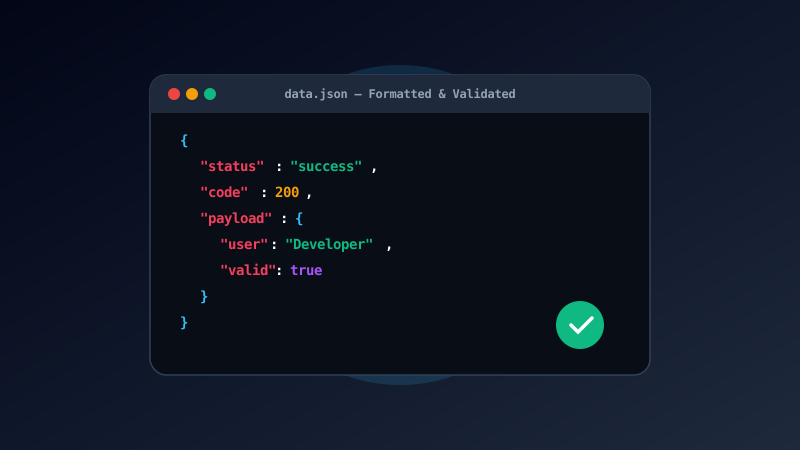
Mastering JSON Formatting and Syntax Validation
The TapTools Online JSON Formatter & Validator provides frontend developers, backend engineers, and data analysts with a fast, zero-latency tool to inspect, format, validate, and minify JSON payloads directly in the browser. Minified or unformatted JSON strings from REST APIs or database queries can be unreadable — our formatter instantly transforms raw text into a color-coded, collapsible tree structure.
In modern web development, JavaScript Object Notation (JSON) is the universal standard format for exchanging data across APIs. Validating payload syntax client-side eliminates debugging guesswork before pushing code to production servers.
How to Format and Validate JSON
- Paste JSON Payload: Paste your raw JSON string or API response into the code editor area.
- Select Action: Click "Format / Pretty Print" to add clean 2-space or 4-space indentation, or click "Minify" to strip whitespace.
- Inspect Errors: If syntax errors exist (such as missing brackets or bad quotes), the validator highlights the exact line number and error message.
- Copy or Download: Click "Copy JSON" or "Download .json" to grab your clean, formatted output instantly.
Advanced Parsing Features
Supports large payload rendering, interactive collapsible object nodes, syntax highlight color themes, and automatic bracket pair validation for deep nested arrays.
Benefits of Client-Side Formatting
- 100% Privacy Protection (No Server Data Exposure)
- Instant Real-Time Error Highlighting
- Convert Raw Strings to Downloadable .json Files
- Customizable Indentation Spacing
JSON Structure Validation & Debugging
“Instant client-side JSON formatting and syntax validation streamlines backend API debugging and data structure inspection.”
Frequently Asked Questions
Common JSON parsing queries and security assurances.
What causes 'Unexpected Token' or JSON parse errors?
Common JSON syntax errors include using single quotes instead of double quotes around keys/values, trailing commas after the last array/object element, missing unescaped quotes inside strings, or invalid comments (JSON standard does not support // or /* */ comments).
Is my JSON payload sent to a remote server?
No. All formatting, indentation, minification, tree rendering, and syntax validation take place 100% locally inside your web browser. Confidential API payloads, database exports, and user tokens never leave your device.
What is the difference between JSON formatting and JSON minifying?
JSON formatting (pretty-printing) adds line breaks and indentation spaces (2 or 4 spaces) to make raw JSON human-readable. JSON minifying strips all unnecessary whitespace and line breaks to compress payload byte size for web network transfer.
Can I convert CSV spreadsheets into JSON format?
Yes! If you have tabular CSV data from Excel or Google Sheets, use our specialized <Link href='/tools/csv-to-json'>CSV to JSON Converter</Link> to generate structured JSON arrays automatically.