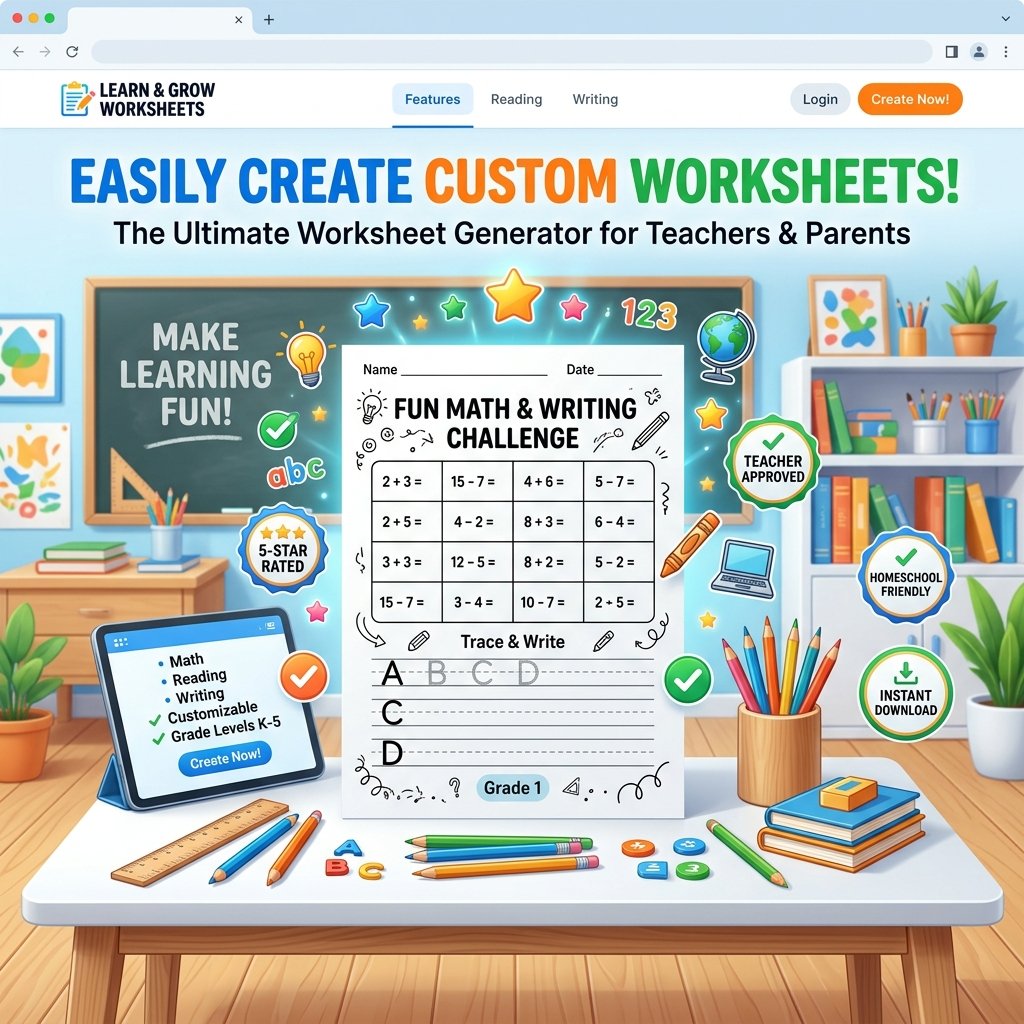
Why Every Teacher and Homeschooling Parent Needs a Worksheet Generator
Anyone who has spent a Sunday evening hunched over a laptop, trying to format a math handout for Monday morning, knows the quiet frustration of worksheet creation. It looks simple from the outside — a few numbers, some blank lines, maybe a border — but getting the spacing right, matching the difficulty to your students' level, and making it look presentable enough to print takes far longer than it should. This is exactly the gap a good worksheet generator is built to close.
At its core, a worksheet generator is a tool that turns a handful of choices — subject, grade level, difficulty, and question count — into a ready-to-print page in a matter of minutes. What used to take an hour of formatting in a spreadsheet or document editor now takes a few clicks. But the real value isn't just speed; it's consistency. Every worksheet comes out looking clean, properly spaced, and classroom-ready, without anyone needing to know the first thing about design software.
One Tool, Many Subjects
The strength of a well-built generator lies in how much ground it can cover. For math, for instance, it doesn't just spit out random sums. It scales the number ranges and operation types to the grade you select, so a Preschool addition sheet looks nothing like a Grade 5 mixed-operations page. Teachers can choose horizontal equations for younger learners or vertical column problems for students practicing carrying and borrowing. For classrooms that use manipulatives, abacus-style exercises add another layer — producing bead-counting and place-value tasks that pair naturally with hands-on math instruction, something that's surprisingly hard to find in ready-made worksheet packs.
Language learning gets the same treatment. English activities can produce fill-in-the-blank exercises, word matching, synonym and antonym drills, or spelling scrambles, all pulled from grade-appropriate vocabulary banks rather than generic word lists. For younger students building their reading foundation, this makes it easy to reinforce new words without repeating the same twenty terms every week — something that matters more than people realize, since repetitive material is one of the fastest ways to lose a young learner's attention.
Where Handwriting Practice Gets Interesting
Perhaps the most requested category, though, is handwriting. The generator lets teachers produce letter-by-letter tracing pages, word practice lines, and full sentence drills, with control over line style — dotted guides for beginners, standard ruled lines for more confident writers, or grid boxes for students working on letter proportion. Being built with real classroom use in mind, it also allows font switching between print, script, and dotted-trace styles, so the same tool can serve a five-year-old learning to hold a pencil and a nine-year-old refining their cursive flow.
For homeschooling parents in particular, tailored handwriting practice solves a problem that store-bought workbooks rarely do: pacing. Instead of working through a fixed sequence designed for an average student, parents can generate exactly the practice their child needs that week — more repetition on tricky letters, less on ones already mastered.
Why Free Access Still Matters
Cost is often the deciding factor for teachers, many of whom already spend their own money on classroom supplies. Free access removes that barrier entirely, letting educators produce as many custom sheets as a lesson plan requires without a subscription standing in the way. This matters just as much for tutors and homeschool co-ops working with tight budgets, where the difference between a paid tool and a free one can determine whether quality resources make it into a child's hands at all.
Built for the People Actually Using It
What makes a worksheet generator genuinely useful, though, isn't just the variety of subjects it covers — it's how little friction stands between an idea and a finished page. A teacher shouldn't need design experience to produce something that looks polished. They should be able to pick a subject, adjust a few settings, preview the result, and either print it immediately or download a clean PDF for later. An answer key that generates automatically alongside the worksheet saves even more time, especially for teachers grading dozens of sheets a day.
There's also something to be said for flexibility in format. A worksheet that only exists as a single fixed template quickly becomes stale, both for the teacher creating it and the student completing it. Tools that let users regenerate fresh variations — new numbers, new words, new questions — while keeping the same structure and difficulty give educators the ability to reuse a format across an entire term without students simply memorizing the answer key from last week.
The Bigger Picture
Worksheets aren't going away, no matter how digital classrooms become. There's still real pedagogical value in paper — in the physical act of writing out a math problem, tracing a letter shape, or filling in a blank by hand. What's changed is how that paper gets made. Instead of teachers building every resource from scratch or hunting through generic printable sites for something close enough to what they need, a worksheet generator puts the creation process directly in their hands, tailored to their exact classroom, their exact students, and their exact lesson plan.
Frequently Asked Questions
Common questions answered to help you get the most out of our tools.
What is the Worksheet Generator tool?
The Worksheet Generator is a free online educational tool that allows teachers, homeschooling parents, and tutors to create customized, printable worksheets for Math, English, Handwriting, and General Knowledge in seconds.
Can I download worksheets as PDF or print them directly?
Yes! You can instantly print your worksheet directly using your browser's print dialog, or download a crisp, high-resolution vector PDF file suitable for standard A4 paper printing.
How do grade levels and difficulty settings affect the content?
Selecting an age or grade level (from Preschool up to Grade 6+) adjusts question difficulty, mathematical operand ranges, vocabulary complexity, and handwriting line styles to ensure age-appropriate learning.
Is there an Answer Key feature for grading?
Yes! You can toggle the 'Answer Key' button to view and print a complete solution page for fast grading.
Can I generate a new version with different questions?
Absolutely. Clicking the 'Regenerate' button instantly creates a fresh set of exercises while keeping your customized subject, grade, and layout settings intact.