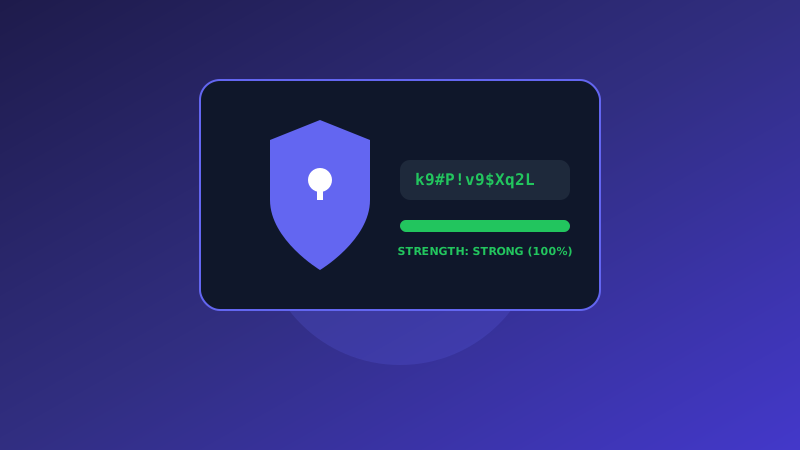
Generating Cryptographically Strong Passwords
The TapTools Random Password Generator helps individuals, IT administrators, and security professionals instantly create uncrackable, high-entropy passwords directly in their browser. By utilizing your browser's native cryptographic hardware APIs, every password generated is 100% random and immune to dictionary predictions or rainbow table lookups.
Reusing simple passwords across multiple online accounts is the leading vulnerability leveraged in automated credential stuffing and dictionary attacks. Using complex, unique passwords for every service neutralizes these risks. To hash passwords for web applications, check out our Bcrypt Hash Generator.
How to Generate Secure Passwords
- Set Password Length: Use the length slider to set your desired character count (recommended: 16+ characters).
- Toggle Character Sets: Enable or disable Uppercase (A-Z), Lowercase (a-z), Numbers (0-9), and Symbols (!@#$%^&*).
- Generate Instantly: Click the "Generate New Password" button to calculate a fresh cryptographic string.
- Copy & Use: Click the "Copy Password" button to securely save the generated secret to your clipboard.
Web Crypto API Security Standard
Our tool uses your browser's native window.crypto.getRandomValues() CSPRNG engine rather than weak functions like Math.random(), providing cryptographically strong pseudorandom values.
Key Features of Our Password Generator
- Zero-Knowledge Client-Side Generation
- Customizable Length up to 64 Characters
- Exclude Ambiguous Characters (e.g. 1, l, I, 0, O)
- Real-Time Password Strength Entropy Indicator
Cryptographic Entropy & Randomness
“Utilizing Web Crypto API PRNGs guarantees cryptographically random passwords immune to dictionary prediction.”
Frequently Asked Questions
Security standards, character entropy, and zero-knowledge generation.
Are generated passwords logged or saved on any server?
Never. Passwords are generated 100% locally inside your web browser using window.crypto.getRandomValues(). They exist only in your local browser memory and disappear immediately when you generate a new password or close the tab.
How long should a strong password be?
Cybersecurity standards recommended a minimum length of 16 to 20 characters for high-value accounts (such as email, banking, and server logins) to withstand brute-force cracking attempts.
What makes a password cryptographically secure?
Cryptographic security relies on high entropy (unpredictability). Using a CSPRNG (Cryptographically Secure Pseudorandom Number Generator) with a mix of uppercase letters, lowercase letters, numbers, and special symbols yields passwords with high bit entropy.
What is the difference between a password and a passphrase?
A password is typically a random string of mixed characters (e.g. K9#mP!2$vL5x), whereas a passphrase is a sequence of random words (e.g. correct-horse-battery-staple). Both offer strong protection when generated with sufficient entropy.